

Give each item a reference and a unit
Separate panels, posts, gates and fittings instead of describing them as one unspecified “complete fence”. Use a unit that makes the quantity clear: panels, posts, gate assemblies, individual fittings or defined sets.
If only a boundary length is available, label it as a layout input. It is not automatically a panel count. Corners, gate openings, closing bays and the connection arrangement affect the material schedule.
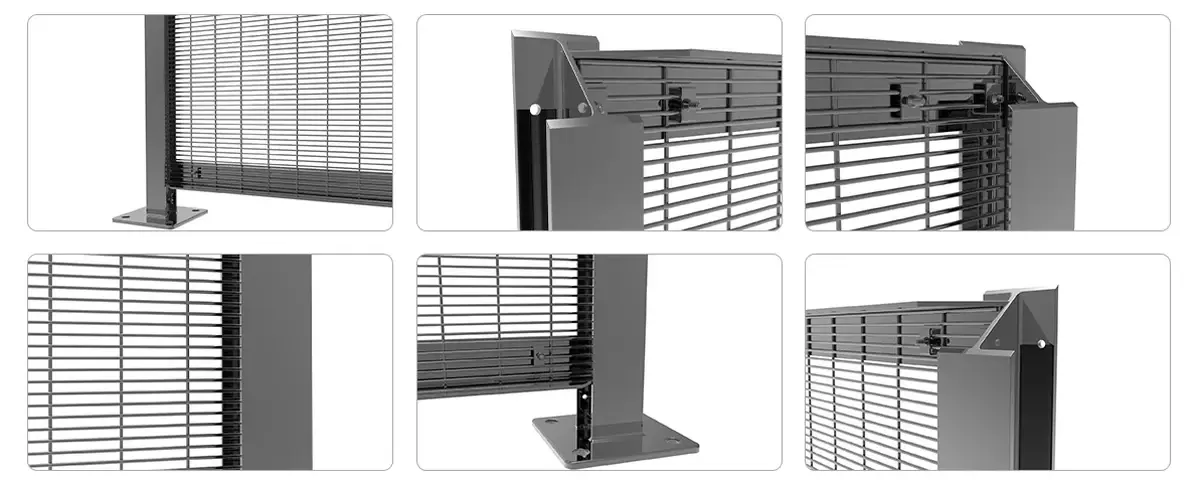
State what each dimension measures
| Item | Clarify in the enquiry |
|---|---|
| Mesh panel | Height, width, mesh pattern, wire dimensions and edge detail |
| Post | Section, wall thickness where relevant, length and mounting interface |
| Connection | Clip or bar arrangement, fixing positions and set contents |
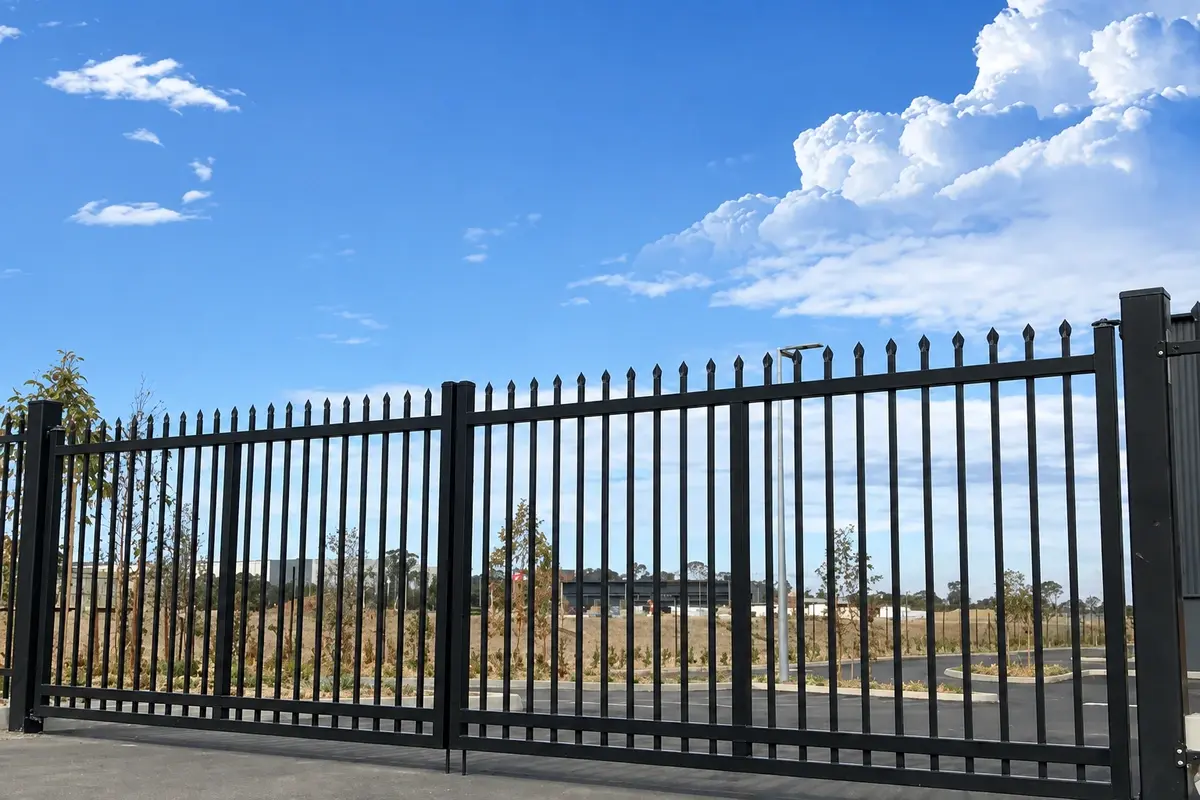
| Gate | Clear opening, leaf arrangement, height, opening direction and hardware |
| Finish | Actual treatment, colour and any required inspection evidence |
An RFQ should state the measurement basis wherever familiar size labels can be confused: finished panel width versus post centres, gate leaf width versus clear passage, and steel-core diameter versus coated outside diameter. Put those datums on the drawing or specification. A manufacturer cannot make quotations comparable if each supplier is left to choose its own interpretation.
Use one current drawing revision
Give the layout and component drawings a reference and revision. If a quantity schedule has been updated, identify which drawing it follows. Mark unresolved items as provisional so a supplier can list them as assumptions or exclusions in the response.
When a gate opening changes, check the adjacent panels, posts and fittings as well. Sending only the revised gate width can leave the rest of the quotation based on the earlier layout.
An illustrative item schedule
The following is a document-format example, not an actual order, a calculated fence layout or a standard package. Quantities are invented for illustration; they must not be used as an installation bill of materials.
| Reference | Description | Quantity / unit | Supporting record |
|---|---|---|---|
| P-01 | 358 panels | 20 panels | Panel drawing P-01, revision B; final dimensions and wire specification attached |
| PS-01 | Posts by position | Quantity to be confirmed | Layout L-01; line, end and corner positions to be reconciled |
| G-01 | Double-leaf vehicle gate | 1 assembly | Gate drawing G-01; clear opening, leaf dimensions and hardware list attached |
| F-01 | Panel connection sets | Quantity to be confirmed | Connection detail C-01; define the parts in each set |
This example deliberately leaves unresolved quantities visible. The next action is to reconcile them with the layout, not to fill in plausible numbers. A supplier's response should identify which items are priced and which still depend on that decision.
Put inclusions next to the price request
Ask the supplier to identify panels, posts, gate hardware, clamps, fasteners and caps in the proposed scope. Also state what is required for packing, labels, inspection and product documents. If particular evidence is necessary for approval, request it before accepting the quotation.
Put required inspection and documents alongside the material lines before requesting price. A report needed for approval should not appear later as an assumed inclusion after the manufacturing route and cost have been agreed.
Record the destination and requested delivery sequence. The response needs to distinguish the material price from the agreed transport and other responsibilities. Foundations, site installation and specialist design should be identified separately rather than assumed to be included with the fence materials.
Check the returned quotation against the same list
Compare the quoted specification and quantities line by line. Highlight a changed wire dimension, omitted fixing set, alternative finish or document that has not been included. Keep those differences visible when comparing totals.
A requested delivery date is an input for review. The accepted quotation and order establish the actual schedule, payment arrangements, minimum quantity and any sample approval steps.
Download the working forms
- Fence RFQ worksheet — CSV: company and project details, specification inputs and delivery information.
- Component schedule — CSV: item references, quantities and supply scope.
Attach the relevant drawings when sending the completed enquiry. The forms organise the information; they are not approved manufacturing drawings or final product specifications.
Ask suppliers to respond against the same item list
Mark provisional fields and request a written assumption or deviation for each. Compare returned offers against that controlled schedule rather than a headline price per metre. For a close-mesh enquiry, use the 358 fence product specification.